CyberChat Holiday Edition 2025
As we all gear up for the holiday season, it’s a great time to ramp up our online vigilance. Whether you’re taking advantage of last-minute deals, connecting with loved ones near and far, or finding the perfect entertainment for your kids during their school break, it’s important to be aware of potential risks. Be on the lookout for phishing links while shopping online, fake messages claiming there’s an issue with your deliveries, and other common scams making the rounds this year.
From the SafetyNet® Family to yours, Happy Holidays!
JESSICA BRAVO
Development Associate
Beware these Holiday Scams

- Phishing and smishing
- According to the Federal Trade Commission, phishing emails and text messages (smishing) often tell a story to trick you into clicking on a link or opening an attachment that is not legitimate.
- Tips to prevent this:
- Protect your computer by using security software.
- Protect your cell phone by setting the software to update automatically.
- Protect your accounts by using multi-factor authentication.
- Protect your data by backing it up.
- Brushing and quishing
- The United States Postal Inspection Service warns that “brushing” scammers send you goods you never ordered and write fake online reviews about their products in your name to help boost their sales. These gifts may come with a QR code that, when scanned, will direct you to “quishing” websites that ask you to enter your personal information. Quishing is phishing via QR code.
- Charity scams and fraudulent online merchants
- To avoid these types of scams, Capital One advises that before giving to an organization, check charity evaluation websites to verify their legitimacy and contact information. If donating in person, double-check the amount on the checkout screen before approving. To avoid fraudulent online merchants, always check ratings and reviews about a business, person, or website to verify their trustworthiness and authenticity.
- Gift card fraud
- The Federal Bureau of Investigation warns consumers to never pay for items with pre-paid gift cards. In these scams, a seller will ask you to send them a gift card number and PIN. Instead of using that gift card for your payment, the scammer will steal the funds, and you’ll never receive your item.
Gifting a Device? Safety Tips Below!
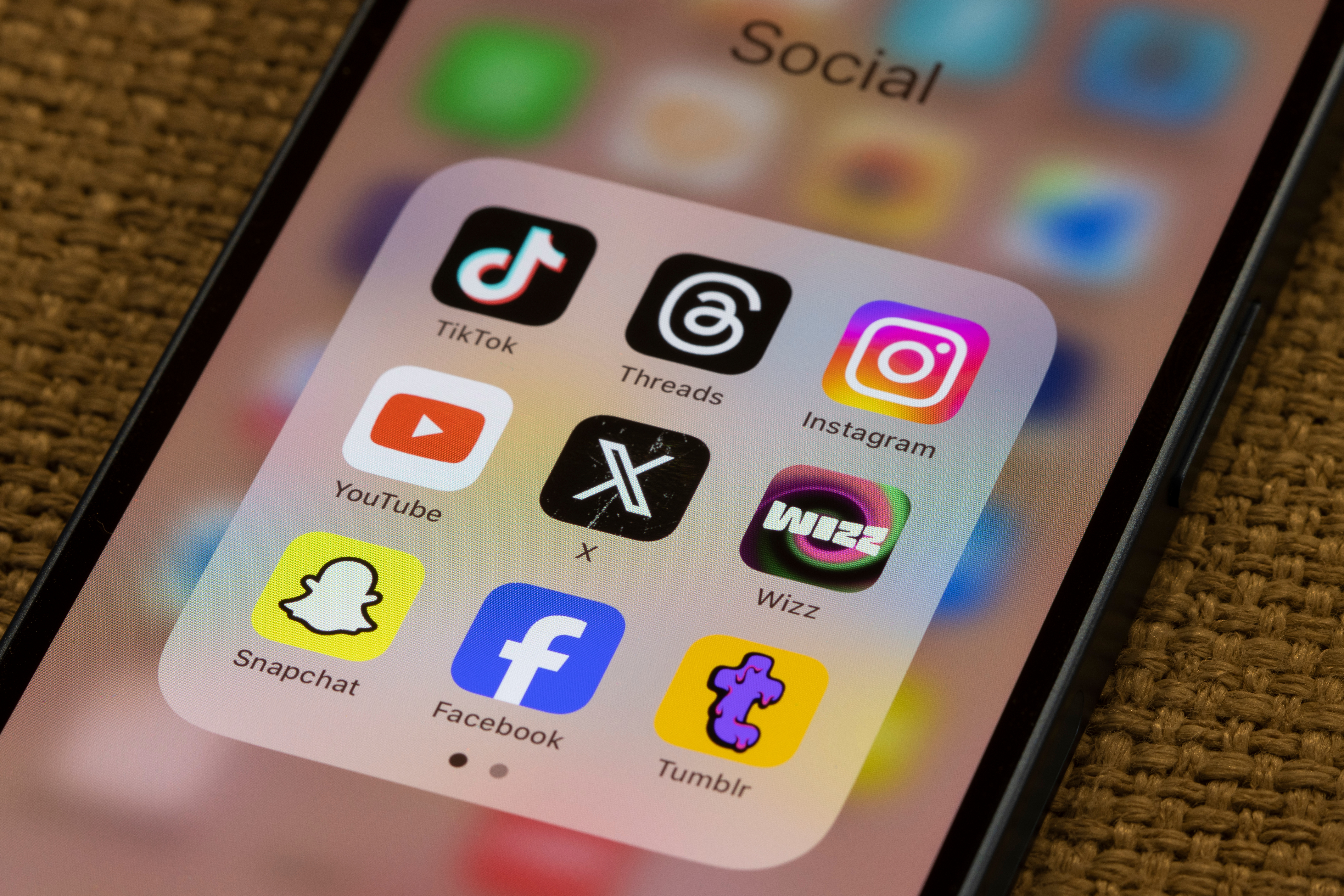
Planning to gift a child a new device? Here are three tips on privacy settings to help protect them from online dangers.
Safety Tips
- Tip 1: Keep Things Private
- When your child gets a new device, set up privacy settings before handing it over. The default settings on many devices are geared toward information sharing, which jeopardizes privacy and safety. These settings control who can see their online content. Make sure only trusted friends and family can view their information. It’s like putting a virtual lock on their digital stuff.
- Tip 2: Choose Strong Passwords
- Teach your child how to create strong passwords. A strong password is like a secret code that only they should know. It helps protect their accounts from being hacked. Encourage them to use a mix of letters, numbers, and symbols for a super secure password. We recommend using at least 12 characters for each password, and make sure each of your children’s accounts have a different password.
- Tip 3: Check App Permissions
- Show your child how to review and choose what information apps can access. Some apps might ask for more details than needed. Make sure they understand and only give permission for what’s necessary. It’s like deciding who gets a key to your personal information. This includes making sure all social media apps do not have location sharing activated, and the accounts are set to private.
Resources
- FTC: How To Recognize and Avoid Phishing Scams
- United States Postal Inspection Service Safety Tips
- Capital One: Recognize and Report Scams
- FBI: Holiday Scams
SafetyNet: Smart Cyber Choices® is a collaborative program of the San Diego Internet Crimes Against Children Task Force (SD-ICAC) and the San Diego Police Foundation. It is designed to help kids, parents, educators, and concerned adults learn how to keep kids safe online.
Help bridge the “digital divide” by ensuring schools in underserved communities, like Title One schools, have access to this vital cyber safety education.